Release-day asset work usually feels smaller than it is. Nobody opens the sprint board and writes "spend ninety minutes cleaning screenshots" as a major deliverable, yet the task appears every time a changelog, a landing page update, or a documentation refresh needs to go out. By the time the code is ready, somebody still has to make the screenshots lighter, confirm they look sharp enough, and get them into a deploy-friendly format. That work matters, but it is rarely the work anyone wants to spend deep attention on.
That is why the browser is often the right place for the job. If the task is to clear a mixed batch of release assets quickly, a direct tool such as Converty's WebP Converter can be a better fit than opening a deeper image lab like Squoosh. The difference is not about which product is more capable in the abstract. It is about where each one expects you to spend your attention. A release-day batch usually needs review, not experimentation.
Release-day assets are messy in a very specific way
Most release batches are mixed by purpose. There are screenshots for docs, cropped product images for a changelog, a few visuals for a launch page, maybe one social image or support graphic, and several files that arrived from different people at different sizes. In that situation, the optimization question is not "what is the perfect codec strategy for this image?" It is "what is the fastest route from this folder to reviewed outputs that are good enough to ship?"
That distinction matters because the batch is not homogeneous. A dense UI screenshot with small interface text should not be treated the same way as a decorative supporting graphic. But the right answer is still not to turn the whole job into a hand-tuned image session. The better answer is to start from a solid default, review the files that matter most, and only spend extra time on the outliers.
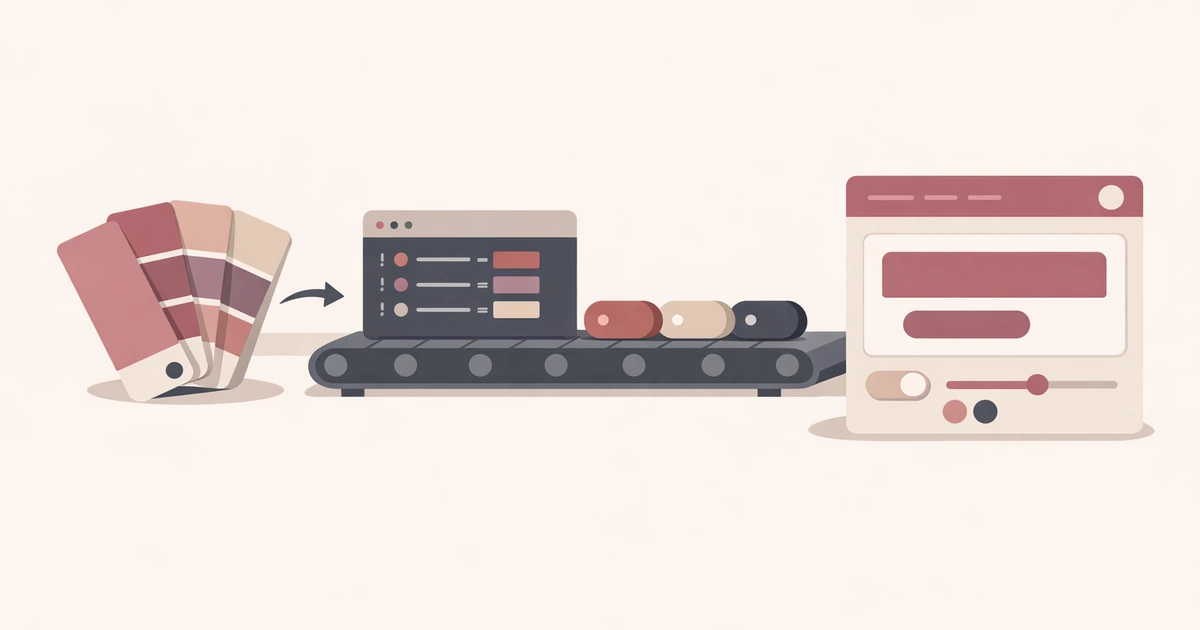
This is exactly where a browser-based workflow is stronger than a lab-style workflow. The browser helps you stay in operational mode. You upload the batch, choose the preset that best matches the asset set, review the size deltas, and keep moving.
Most teams do not need a compression workshop on release day
There is a real place for tools such as Squoosh. If you are tuning a hero image, comparing codec behavior for one important visual, or trying to squeeze the best possible result out of a single asset, the extra control is valuable. That kind of work is image-first. The image is the project.
Release-day asset cleanup is usually not image-first. It is queue-first. The screenshots need to get lighter. The page needs to load reasonably well. The docs images should not feel muddy. You need enough confidence to ship, not a seminar on compression settings. The problem is throughput.
That is why Converty's simpler preset model is useful. You can start with the broader guidance in How to Choose the Right WebP Quality Preset, run the batch once, then inspect only the files that deserve more attention. If a few outputs do not shrink the way you expected, Why a WebP File Can Be Larger Than the Original covers the most common reasons without forcing you to rediscover them mid-release.
A practical browser workflow keeps review attached to the batch
The main advantage of the browser is not that it makes the conversion technically different. The advantage is that it keeps the review loop attached to the task. You are not switching between a terminal, an export folder, and a second app just to answer a basic shipping question. You are working in one place where the inputs, outputs, and file-size deltas stay visible long enough to make a decision.
That is especially useful when the team is already multitasking across release work. A frontend engineer may be validating a last-minute UI fix, checking release notes, and cleaning screenshots at the same time. A workflow that keeps the asset step short is not just convenient. It lowers the chance that image cleanup becomes the task that drags the release past the point where anyone is reviewing carefully.
If your organization has both engineering-owned and marketing-owned batches on the same day, this article also pairs naturally with How Product Marketers Can Compress Website Images Without Learning Command-Line Tools. The assets differ, but the underlying operational question is the same: how much attention should this batch really cost?
A realistic release-day example
Imagine a small product team shipping a release note, a docs update, and a homepage tweak on the same afternoon. The frontend developer has six product screenshots from staging, the docs owner needs three inline images for a support article, and marketing added two secondary graphics for the announcement page. Nobody wants to optimize these by hand one at a time. They want the batch to move.
The practical flow is short. Start with the WebP Converter, choose a sensible default, review the outputs, and rerun only the screenshots that clearly need more fidelity. That is the key. You are not trying to predict the perfect answer in advance. You are using one review-oriented pass to discover which files deserve a second one.
This is where browser speed matters more than maximal feature depth. The batch is visible, the outcome is legible, and the work remains proportional to its actual importance. Release-day image cleanup should feel like finishing touches, not a separate project.
The best rule is to protect the files that carry information
Not every release asset deserves the same amount of caution. A screenshot with small interface labels carries information. Readers use it to understand the product. If that image gets too soft, the file has not just become lighter. It has become less useful. Decorative or supportive visuals are different. They can tolerate heavier compression because their job is mood or context rather than precise explanation.
That is why a team should review release-day assets according to what the reader notices first. If the first thing the reader notices is fine detail or text clarity, favor fidelity. If the first thing the reader notices is simply that an image exists and supports the story, favor smaller files. The right workflow helps you make that distinction quickly instead of pretending every file belongs to the same quality threshold.
Use the browser for the batch, escalate only when the asset needs it
The healthiest pattern is simple. Use the browser for the routine batch. Escalate to a deeper lab only when one specific image earns the extra time. That keeps the default workflow fast without trapping high-value visuals inside a system that is intentionally lighter-weight.
That distinction is also what makes the broader Converty stack useful. The site is not trying to turn every supporting task into a heavyweight environment. It is trying to shorten the steps around the main work. Release-day asset cleanup is a perfect example of that principle because the best version of the task is the one that disappears quickly after it is done.
Clear the queue before the queue becomes the delay
Frontend teams do not usually lose a release because WebP conversion is impossible. They lose time because a small asset task grows just large enough to interrupt momentum. The safest fix is to keep the conversion workflow direct, batch-friendly, and tied to visible review.
Open the WebP Converter when the job is to clear a release batch quickly, keep the FAQs nearby for site-wide handling details, start with How to Choose the Right WebP Quality Preset when the first decision is about compression strength, and use Why a WebP File Can Be Larger Than the Original when the next question is why a few outputs still need a second look.