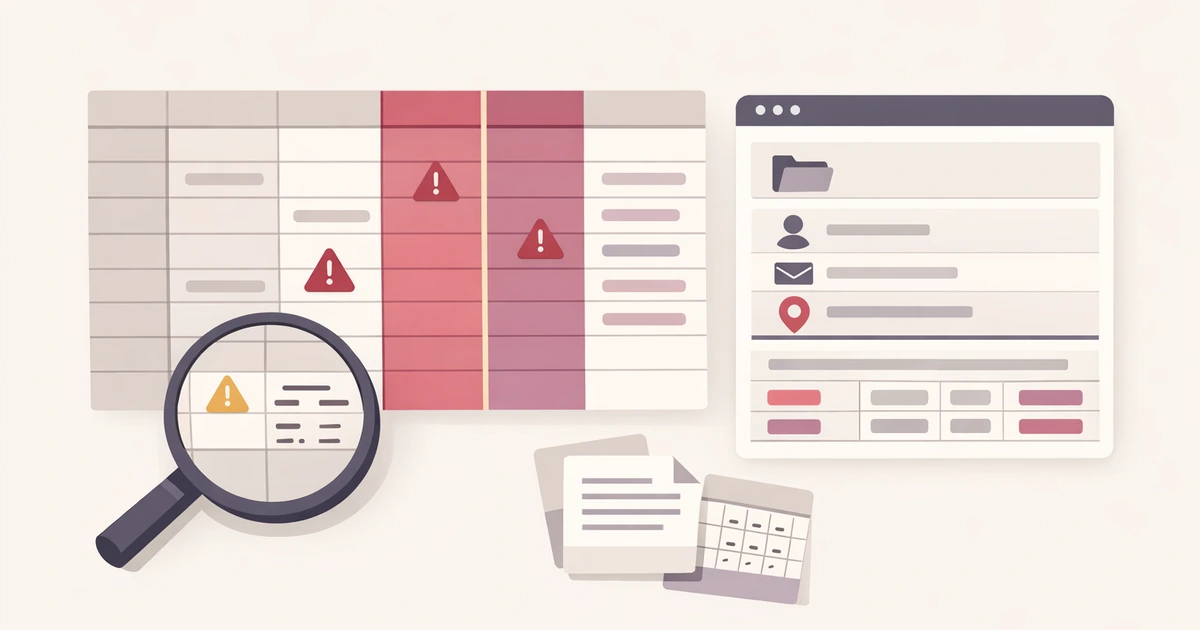
Launch prep is usually described as writing, editing, and publishing. In practice, the final hour before a post, product page, or docs update goes live is full of smaller formatting tasks that nobody planned as separate work. A title still needs a clean URL slug. The launch note needs one more Markdown pass before it is pasted into GitHub or a CMS. The site still needs a favicon package that matches the updated brand treatment. Each one is manageable. Together, they create the kind of last-minute friction that makes a launch feel more chaotic than it should.
That is why it helps to think of launch preparation as a bundle of small handoffs instead of a single publishing event. The work is not only writing the copy. It is getting the copy, the formatting, and the browser assets into a shape that survives the transition from draft to live page. Converty is useful here because the relevant tools are adjacent: the Case / Slug / Escape utility for URL-ready titles, the Markdown Validator for content QA, and the Favicon / App Icon Generator for the browser assets that often get left until the very end.
Launches get delayed by tiny decisions more often than by big ones
Most teams can feel when the strategic work is unfinished. They are worse at noticing the operational cleanup that still needs to happen before publish. A content lead may have the page copy approved, the screenshots ready, and the CTA finalized, but the launch can still slow down because the slug changed late, the Markdown formatting drifted during revisions, or the favicon package was still sitting in a designer's export folder without the final browser sizes.
These are not glamorous problems, which is exactly why they get neglected. No one wants to open three different tools to finish three tiny chores. The better answer is to handle them as one launch-prep pass while the material is still in review mode rather than discovering them after the page has already started moving across systems.
That is also where browser utilities make sense. The job is not long-lived infrastructure. It is one small cluster of transformations that should be finished quickly and then left behind.
Start with the slug because it shapes everything downstream
Titles often change late. Marketing wants a clearer angle, product wants more specificity, or SEO feedback nudges the wording after the main draft already exists. Once that happens, the slug becomes a downstream dependency. Internal links, preview links, CMS entries, and launch notes all become easier to manage if the URL-ready version of the title is settled early in the final pass.
The Case / Slug / Escape tool is useful here because it reduces the rewrite to one narrow job. You paste the launch title once, review the slug, and copy the version that fits your publishing system. If the title also needs a code-friendly or config-friendly format elsewhere, the same workspace handles those variations without forcing you into a separate string utility.
This is not only about cleanliness. A stable slug reduces the amount of low-grade confusion around launch artifacts. Once the URL shape is fixed, everything else starts to line up more easily.
Then validate the Markdown while the draft is still movable
Launch copy often travels through several hands before publish. A changelog entry may begin in a doc, pass through a review thread, then land in a repository, a release note, or a CMS block. Markdown is good at supporting that travel, but it is also good at hiding small structural mistakes until the moment the content hits a real renderer.
That is why the Markdown pass should happen before the content is pasted into its final home. The Markdown Validator lets you review the rendered output and catch the quiet mistakes that otherwise become someone else's problem later. How to Catch Markdown Issues Before Publishing explains the validation mindset in more depth, but the practical lesson is simple: the final launch draft should be checked while it is still easy to edit, not after it is already spread across systems.
If the launch also includes a knowledge-base update or docs handoff, this article pairs naturally with How Documentation Teams Can Validate Markdown Before Publishing to GitHub or a CMS. The audience changes slightly, but the operational habit is the same.
Favicon work should not be the last surprise before publish
Favicons and app icons have a habit of showing up at the wrong moment. The new artwork exists, but the full package does not. Someone has a square source image, but not the browser sizes, touch icon, or the small set of assets that make the site feel complete once the page is live.
That is why the browser asset pass belongs in the same launch-prep routine as the slug and Markdown pass. The Favicon / App Icon Generator reduces the task to one source image and a short export step. You are not trying to solve brand design inside the tool. You are finishing the operational part of launch assets so the site does not go live with old or mismatched browser chrome.
For the full favicon workflow, How to Generate a Complete Favicon Package From One Image covers the format and packaging details. In a launch-prep context, the main point is simpler: browser assets are part of publish quality, not an optional afterthought.
A realistic launch-prep workflow
Imagine a content team preparing a feature launch. There is a product page update, a short release note, and a documentation entry that needs to go live the same morning. The headline changed after legal review. The docs note has one code block and a screenshot. Design delivered a revised icon treatment the night before. None of the tasks is large, but the team still has to turn them into publish-ready material before the deploy window closes.
The cleanest workflow is to bundle the small formatting chores together:
- Finalize the launch title and generate the slug in Case / Slug / Escape.
- Run the final copy through Markdown Validator and fix the structural issues while the content is still easy to edit.
- Export the browser assets in Favicon / App Icon Generator.
- Move the cleaned content and assets into the destination system with fewer open questions.
That flow matters because it turns a diffuse cluster of tiny tasks into one short review window. The launch feels calmer not because the work disappeared, but because the work stopped being scattered.
The goal is not more process, it is less last-minute uncertainty
Content teams do not need a heavyweight launch ritual for every slug or favicon. They need a short routine that catches the exact details most likely to create friction once the page starts moving. The right workflow is the one that resolves those details before they start multiplying across repos, docs, and CMS entries.
That is why a browser-based prep stack works well here. The jobs are small, the outputs are clear, and the content remains close to the people reviewing it. The tools are not trying to become the publishing system. They are helping the publishing system receive cleaner inputs.
Finish the little launch tasks while they are still little
Slugs, Markdown cleanup, and favicon packaging all have the same failure mode: they look too small to schedule until they are large enough to interrupt the launch. The best response is to handle them as one coherent pass before publish.
Open the Markdown Validator if the content pass is your next step, use the FAQs for the broader handling model, revisit How to Catch Markdown Issues Before Publishing for the deeper Markdown review workflow, and keep How to Generate a Complete Favicon Package From One Image nearby when the launch asset question becomes more specific than a simple export.