Markdown problems rarely announce themselves at the moment you write them. A document can look harmless in a text editor and still publish with a broken heading structure, an empty link, an unlabeled image, or a code block that loses its language context when someone copies it into docs. That is why "it renders" is not the same thing as "it is ready."
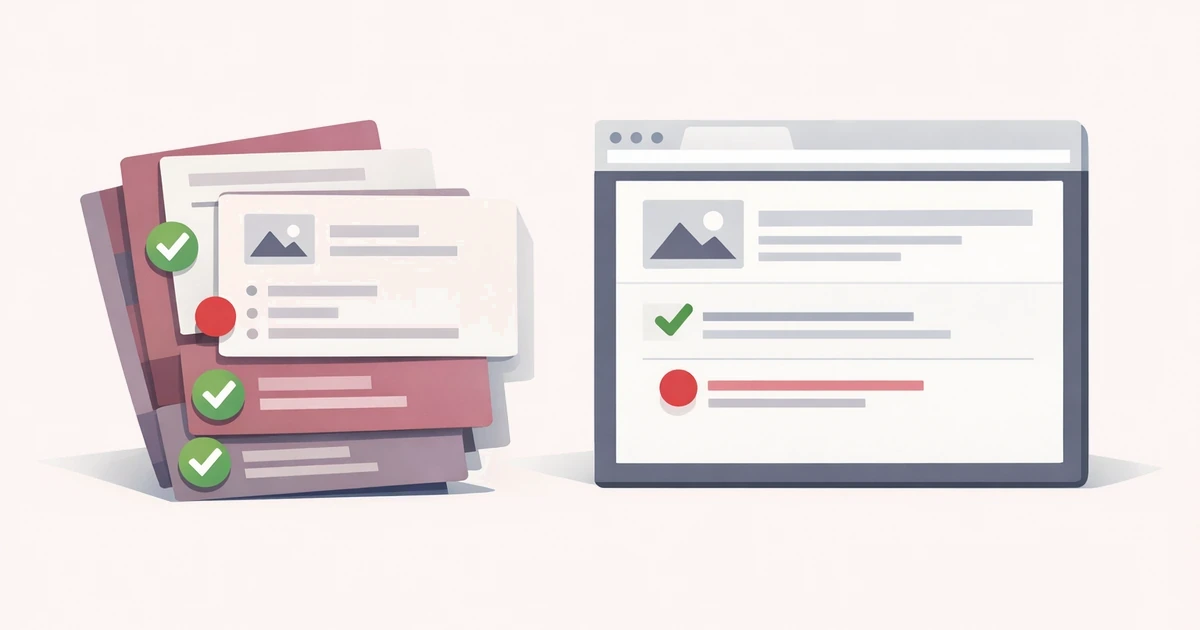
The most common mistake is treating Markdown review as a single task. It is actually two related checks. First, you need to see the rendered result. Second, you need to catch the structural mistakes that the rendered result can hide. A preview answers the visual question. Validation answers the editorial one.
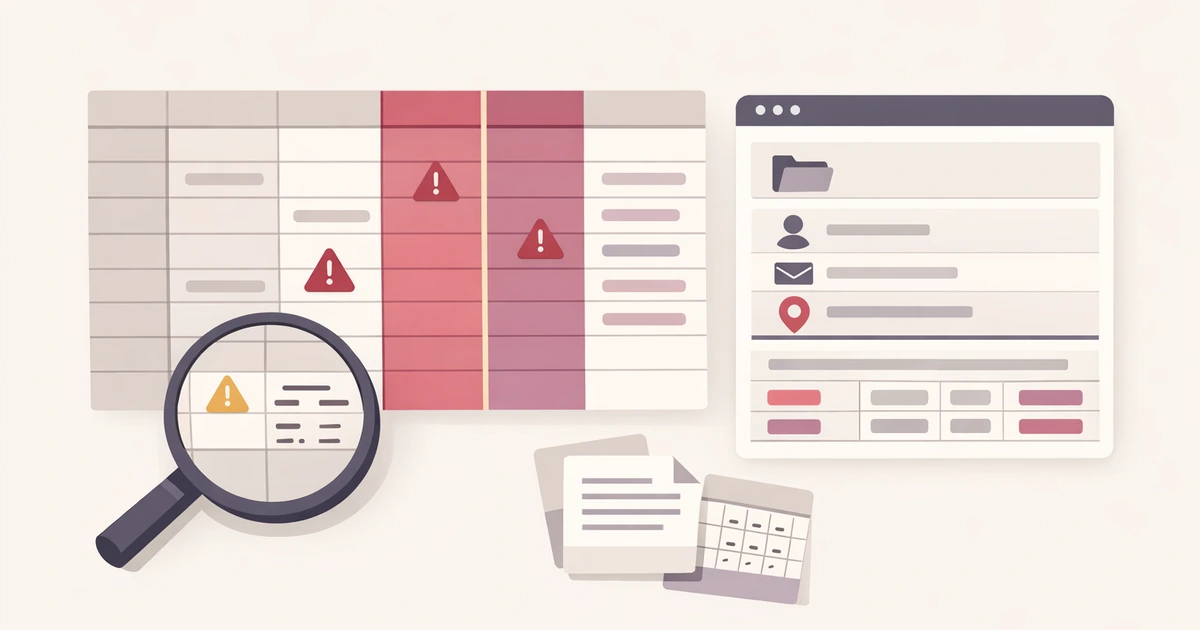
That pairing is what the Markdown Validator in Converty is meant to do. It gives you a live GitHub-flavored preview and flags practical issues such as heading jumps, duplicate H1 usage, missing image alt text, empty links, and unlabeled code fences. The value is not that Markdown suddenly becomes complex. The value is that a short review catches the mistakes that are annoying to discover after the document has already moved into a repo, a CMS, or a product surface.
Preview first, because formatting bugs are easier to see than to imagine
Markdown is simple until it passes through a different renderer than the one you had in mind. A table that looked obvious in plain text becomes unreadable because the columns were inconsistent. A nested list becomes flatter than expected. A code block turns into a paragraph because the fence was malformed. A blockquote swallows the next section because spacing was off.
These are not theoretical problems. They are exactly the kind of issues that slip through when the only check is reading raw Markdown. A rendered preview closes that gap quickly. You stop guessing what the final document will look like and inspect the real shape instead.
This matters even more when a document contains mixed content. Release notes, changelog entries, README sections, migration instructions, and help-center drafts often combine prose, headings, code, lists, tables, and links. The more varied the document becomes, the less reliable a plain-text skim is on its own.
Validation matters because some publishing mistakes are invisible in the preview
A preview can still look acceptable while the document remains structurally weak. The classic example is heading order. A page with an H1 followed by an H3 may render fine, but the structure is still harder to scan and more fragile for accessibility and downstream reuse. Empty links are similar. If the visible text looks normal, a casual reviewer may not notice the destination is missing or malformed.
The same goes for images and code fences. An image without alt text may still appear in the preview, yet the content is less accessible and less portable. A code block without a language label may still look readable, but it loses syntax context exactly where readers expect the code to be easiest to parse.
Converty keeps those checks narrow on purpose. The goal is not to turn Markdown into a heavyweight lint system. The goal is to surface the issues that most often break handoffs between writing, review, and publishing.
A realistic workflow for release notes or docs updates
Suppose you are preparing a release-note entry for a product update. You drafted the text in a note app, copied in a code sample from a terminal, added a screenshot, and linked to a new route. Everything looks reasonable in raw Markdown, but the document still has several opportunities to fail quietly.
The practical review flow is short:
- Paste the draft into the Markdown Validator.
- Read the rendered preview as if you were the end reader, not the author.
- Check the validation summary for structural warnings.
- Fix the warnings that change readability, accessibility, or publishing reliability.
- Copy the cleaned Markdown back into your repo, CMS, or docs system.
That sequence is useful because it separates visual review from structural review without forcing you into two different tools. You do not need a full docs build to confirm whether a heading jump, empty link, or unlabeled code fence already exists in the source.
Raw HTML is where caution and practicality need to meet
One of the trickier parts of Markdown review is raw HTML. Plenty of real documents contain small embedded HTML fragments, especially when content travels between CMS editors, docs systems, and Git-based workflows. The problem is that previewing raw HTML casually can become its own risk if the renderer is too trusting.
This is why sanitized HTML handling matters. In Converty, the Markdown preview supports sanitized raw HTML instead of treating any embedded markup as automatically safe. That gives you a more realistic rendering surface without asking you to trust every pasted fragment blindly.
This is also where the privacy discussion from Are Online Converters Safe for Work Files? What to Check Before You Paste or Upload becomes relevant. Markdown drafts are often perfectly reasonable material for a browser-based workflow, but you still want a tool that keeps the job narrow. Preview the document, catch the issues, and move on. The validator should not become your content management layer.
What the warning list is best at catching
The most useful Markdown warnings are the ones tied directly to publishing mistakes rather than abstract style debates.
Heading structure is one. If the document skips levels or duplicates the main heading, readers feel it even when they cannot name the problem. Link quality is another. Broken or empty links survive surprisingly far into production. Images without alt text and code fences without clear labeling are similar: they are easy to miss in a rush and easy to regret once the document is live.
That is why you should read the warning list as a publishing checklist rather than a grading system. The point is not to achieve ideological perfection. The point is to remove the mistakes most likely to harm clarity, accessibility, and trust.
When a browser check is enough and when it is not
A browser validator is strongest before the heavier systems take over. It is ideal for draft review, documentation cleanup, changelog editing, CMS preparation, and content QA before a commit or paste. It helps when you want fast feedback without spinning up a full build or waiting for a reviewer to find the obvious issues later.
It is not a replacement for environment-specific rendering when the final surface has its own custom Markdown rules. If your docs platform transforms custom components, injects additional styles, or applies product-specific rendering behavior, you still need to test the final surface. The browser pass comes before that. It does not eliminate it.
That tradeoff is the same one Converty makes across the broader utility set described in Introducing Converty. The product is best at removing friction from the small jobs around the main workflow. It is not pretending to be the full publishing system.
Catch the obvious problems before they become someone else's problem
The cheapest Markdown bug to fix is the one you catch before the content leaves your hands. A live preview shows whether the document reads the way you intended. A focused warning pass tells you whether the structure is sound enough to survive the next handoff. Together, those two checks cover most of the work you actually need before publishing.
Open the Markdown Validator when you want the direct tool, use the FAQs for site-wide workflow expectations, and keep Are Online Converters Safe for Work Files? What to Check Before You Paste or Upload nearby if your next decision is less about Markdown and more about when a browser utility is appropriate in the first place.