Documentation teams rarely publish Markdown into only one destination. A document may begin as a draft in a note app, move into a repository on GitHub, then get adapted for a CMS, a knowledge base, or an in-product help surface. The same content can survive several renderers before readers ever see it. That is why documentation QA needs more than a quick skim of the raw source. The question is not only whether the Markdown is valid. The question is whether the document is ready to survive handoff.
Converty's Markdown Validator is useful in that specific window before publish. It lets the docs owner review the rendered result and inspect the structural warnings that often hide inside content that still looks acceptable at first glance. That is different from a full docs build, and it should stay different. The goal is to catch the common authoring mistakes before the content reaches the heavier systems that make the errors harder to isolate.
Markdown review fails when docs teams treat every destination as identical
It is easy to talk about Markdown as if it were one format with one consistent outcome. In practice, documentation work is full of destination-specific expectations. A README on GitHub has one rendering context. A CMS block or docs platform may have another. Even when the syntax is largely shared, the penalties for small mistakes differ by surface.
That is why a docs review habit has to start from the source but stop short of assuming the source is the whole story. Headings still need to make sense. Links still need to point somewhere real. Images still need alt text. Code fences still need enough context that the next system can render or reuse them clearly. A validator is useful precisely because it catches the quiet problems before the destination-specific renderer becomes the first serious reviewer.
This is also why How to Catch Markdown Issues Before Publishing remains the base reference for Markdown QA in Converty. The docs-team version of the problem is the same workflow under higher consequences: more content, more reuse, and less tolerance for avoidable structure errors.
Documentation review should answer two different questions
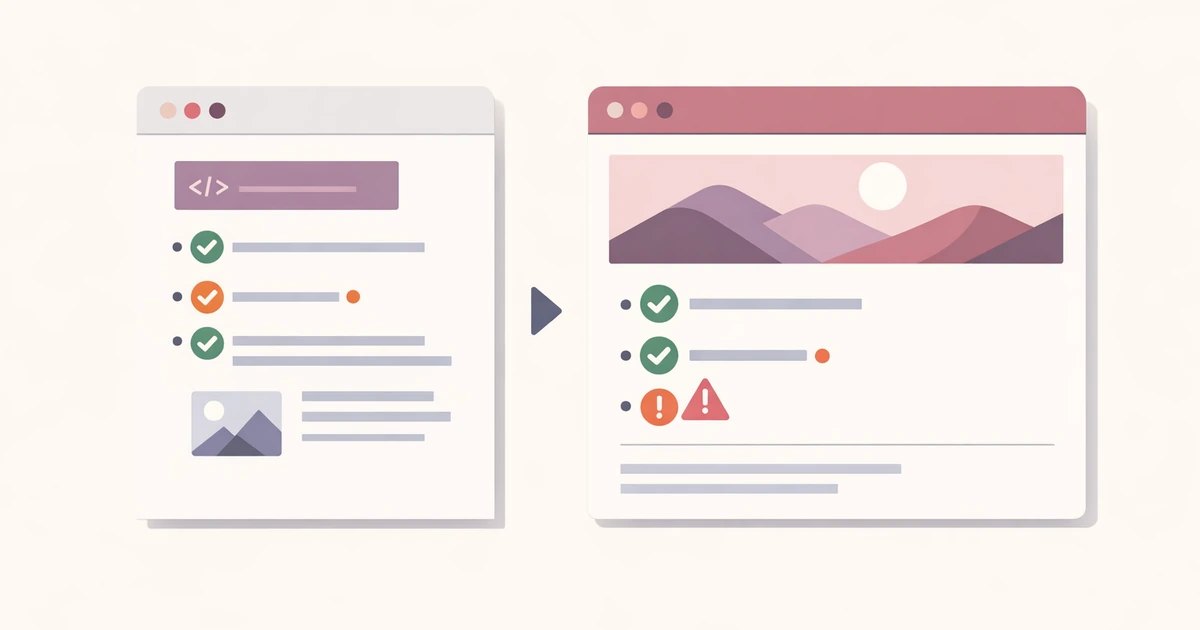
Every pre-publish Markdown pass should answer one visual question and one structural question.
The visual question is simple: does the document look like the reader should expect it to look? That means headings break where you intended, lists nest cleanly, code blocks remain code blocks, and the page reads in the order you thought you wrote it.
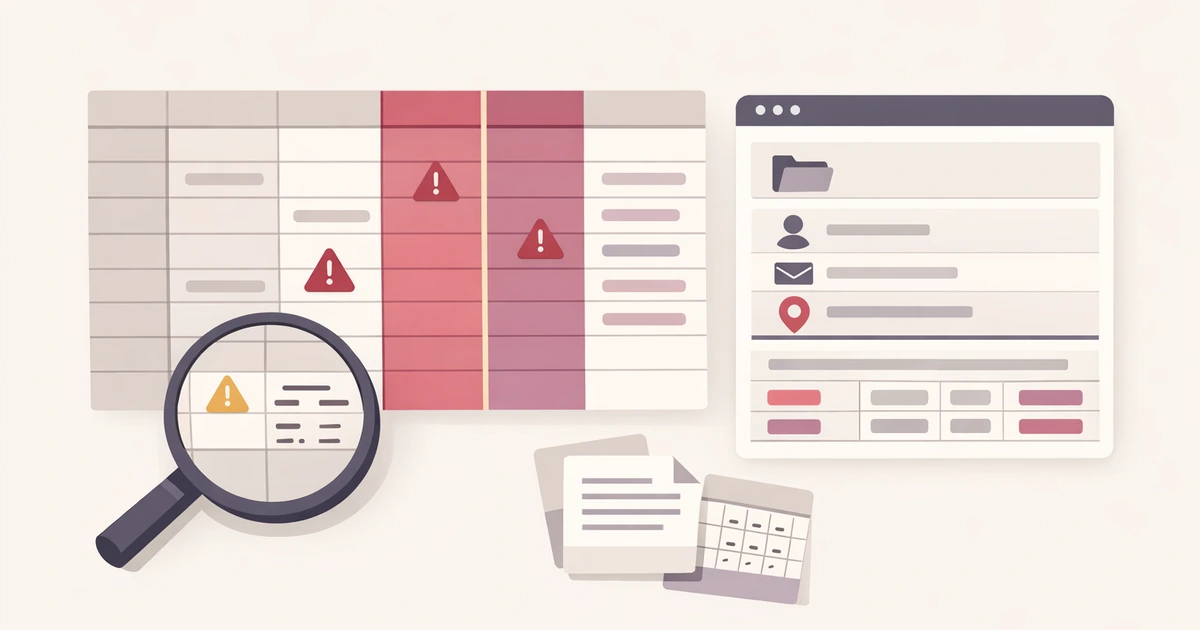
The structural question is different: is the document sound enough to survive the next handoff? A preview alone cannot fully answer that. A page can render well enough while still containing heading jumps, empty links, missing image alt text, or unlabeled code fences. Those issues matter more in docs work than in casual content because the document may be copied, translated, rendered elsewhere, or maintained by people who did not write the original.
That is why the validator needs both halves. Preview tells you how the reader experiences the draft right now. Warnings tell you what is likely to break, age poorly, or become harder to maintain once the content moves.
A practical docs workflow is shorter than a full environment build
Suppose a documentation team is preparing an updated setup guide. The page includes several headings, a code sample, a screenshot, and cross-links to older articles. The final destination is a repository plus a CMS-backed docs surface. The team still needs a full destination-aware review later, but that is not the right place to discover the obvious source issues.
The more efficient sequence is:
- Paste the draft into Markdown Validator.
- Read the rendered page top to bottom as if you were a first-time user.
- Fix the warnings tied to heading order, links, images, and code fences.
- Copy the cleaned version into the repository or CMS.
- Do one final pass in the destination only for renderer-specific behavior.
This works because it separates common authoring errors from destination-specific quirks. The validator handles the universal problems first, leaving the final review to focus on the truly surface-specific issues.
If the docs update is part of a broader launch, How Content Teams Can Prep Slugs, Markdown, and Favicons for a New Launch is the broader operational companion. It puts Markdown validation back into the larger publishing checklist.
GitHub and CMS handoffs punish different kinds of laziness
GitHub is forgiving in one way and unforgiving in another. It will often render a document even when the structure is weak, which makes it easy to assume the Markdown is "fine." CMS workflows can create the opposite problem. They may accept the paste, but the weak source structure becomes more painful later when someone needs to edit, migrate, or repurpose the content.
That is why validation before publish is less about appeasing a parser and more about protecting the document from future friction. If the headings are sloppy, the next editor inherits the confusion. If the links are empty or malformed, the destination becomes the first place the error is noticed. If the image alt text is missing, accessibility drops quietly. If a code fence lacks language context, the page becomes less usable exactly where the reader needs clarity.
Docs teams feel these problems more sharply because their content lives longer than launch copy does. A blog post can ship and age. A setup guide or support article has to survive maintenance.
Raw HTML needs to be handled carefully, not ignored
Documentation teams often inherit Markdown with small HTML fragments inside it. Sometimes those came from an older CMS export. Sometimes they were pasted in to handle layout or formatting gaps. Sometimes they were added quickly during an incident or release and never cleaned up.
Ignoring that reality does not help. A docs workflow needs a preview that is close enough to the destination to be useful without becoming unsafe or overly permissive. That is one reason the validator's sanitized preview model matters. It lets the team inspect a more realistic rendering pass without pretending every pasted HTML fragment should be trusted blindly.
This is also where the broader handling guidance from Are Online Converters Safe for Work Files? What to Check Before You Paste or Upload becomes relevant. Documentation drafts are often a reasonable fit for a browser utility. Sensitive internal material still needs judgment. The tool should support the review, not widen the trust boundary more than the task deserves.
A good docs review pass reduces future editing cost
The cheapest Markdown fix is the one made before the file reaches the place where several systems or people depend on it. For docs teams, that is not only a publishing convenience. It is a maintenance advantage. A cleaner source document is easier to review, easier to update, easier to localize, and less likely to accumulate silent breakage over time.
That is why a pre-publish validator should be read as an editorial cost reducer, not just a syntax checker. It is helping you create a document that can survive both the next renderer and the next editor.
Validate the source before the destination has to explain it back to you
Documentation platforms are good places to publish finished work, not good places to debug basic authoring mistakes. The more useful habit is to validate the Markdown while it is still just source.
Open the Markdown Validator for the direct pre-publish review, use the FAQs for broader workflow expectations, revisit How to Catch Markdown Issues Before Publishing for the core validation pattern, and pair this article with Are Online Converters Safe for Work Files? What to Check Before You Paste or Upload when the real decision is about when a browser-based content check is the right fit.