
How Content Teams Can Prep Slugs, Markdown, and Favicons for a New Launch
Learn how content teams can prep slugs, Markdown, and favicon assets for a new launch without turning launch-day cleanup into a scattered manual process.
Browse Converty blog posts tagged Browser-Based Tools, including developer workflow guides and product updates.
Learn how content teams can prep slugs, Markdown, and favicon assets for a new launch without turning launch-day cleanup into a scattered manual process.

Learn how frontend teams can shrink release-day assets without leaving the browser by batching screenshots and support graphics through a fast review-focused WebP workflow.
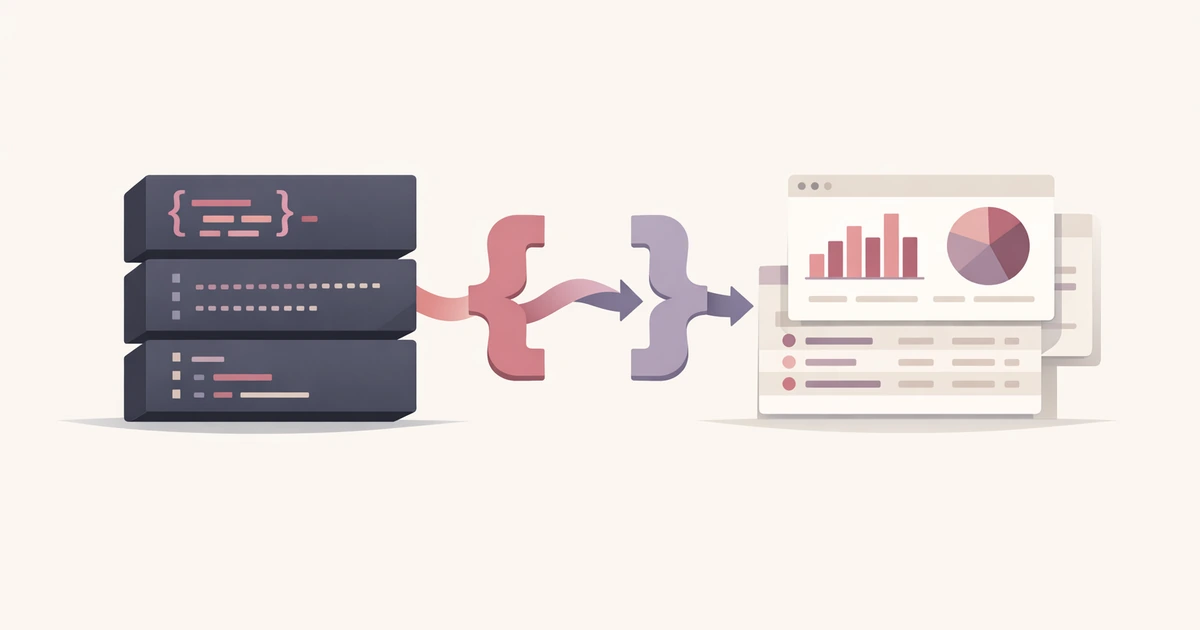
Compare Converty and yq for JSON and YAML hand-offs to see when a browser-based converter is the faster inspection layer and when a CLI pipeline is the right long-term tool.

Compare Converty and Squoosh for WebP work to see when a simple preset-based batch workflow beats codec-level tuning and when the deeper image lab is worth the extra time.
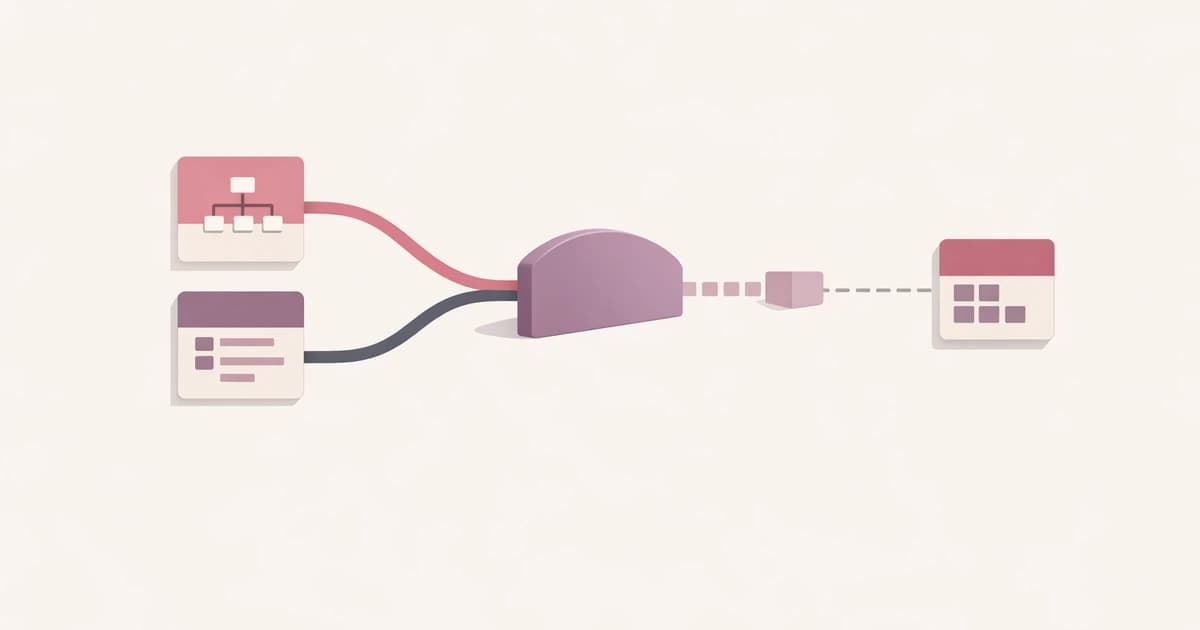
Learn why TOML output is unavailable for some valid JSON or YAML inputs, what TOML requires at the top level, and how to judge whether the data model itself fits a TOML document.
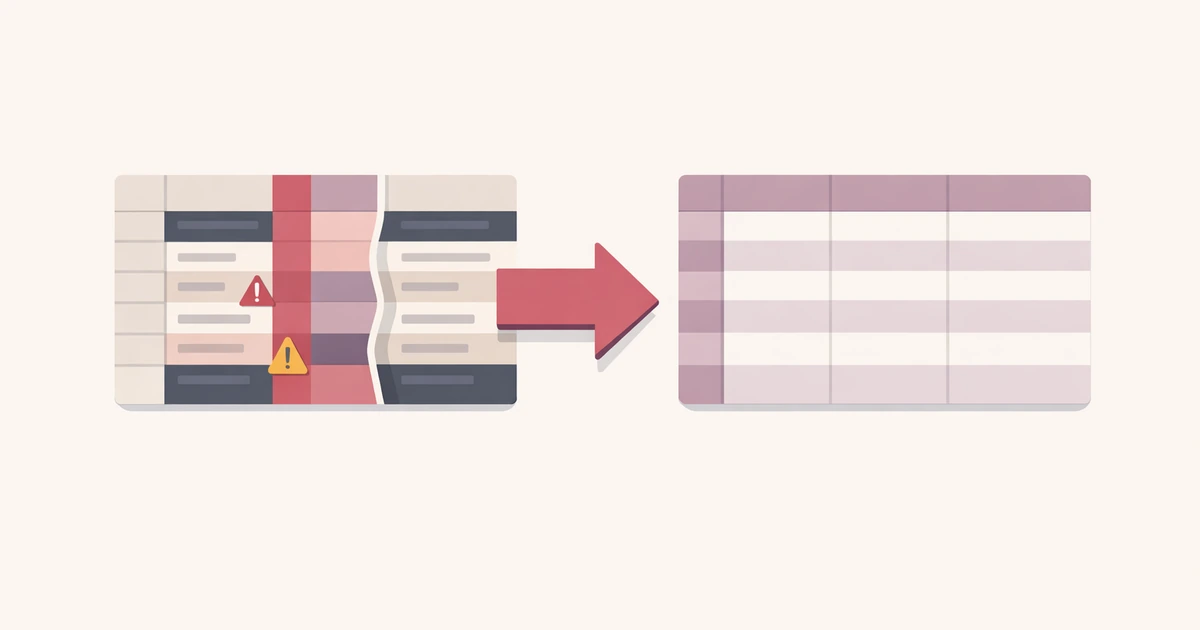
Learn how to fix CSV delimiter problems before an import by checking separator detection, header assumptions, parsed previews, and row-level validation instead of guessing from the raw file.

Learn why a WebP conversion can end up larger than the original file, which image types trigger that outcome most often, and how to review the result before keeping it.

Learn how to choose between High, Balanced, and Smallest in Converty's WebP converter by matching each preset to screenshots, photos, and web-ready asset batches.
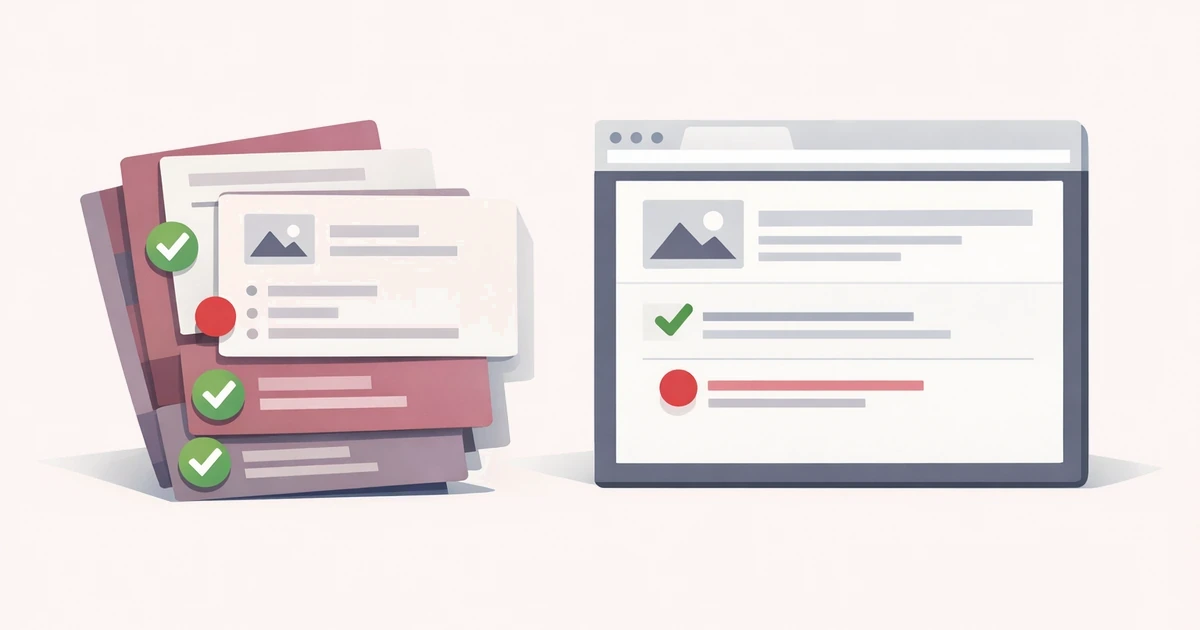
Learn how to catch Markdown issues before publishing by combining a live preview with checks for heading structure, links, images, code fences, and sanitized raw HTML.

Learn how to judge whether an online converter is safe enough for work files by checking browser-only handling, upload scope, retention, and workflow fit before you paste or upload anything.