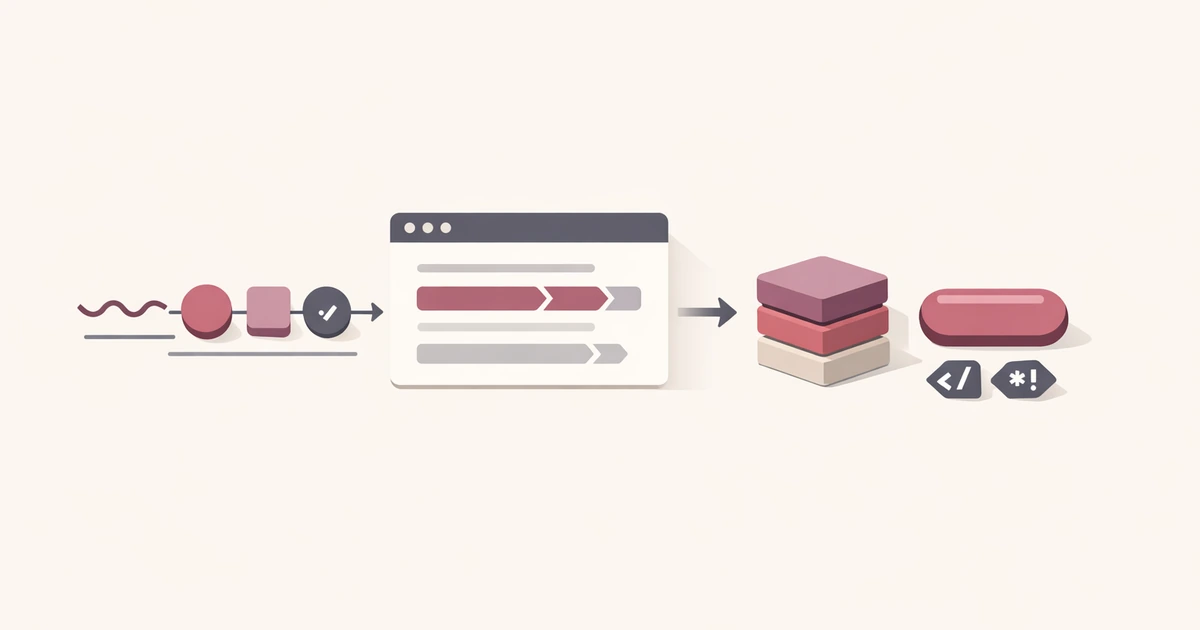
Text transformation work rarely shows up as a single task. The same phrase becomes a route slug, a component name, a JSON string, and an encoded URL parameter as it moves through content, product, and engineering workflows.
The Case / Slug / Escape tool in Converty treats that phrase as one source and fans it out into the outputs you actually need: camelCase, PascalCase, snake_case, kebab-case, slug output, and HTML, JSON, and URL escapes. That keeps the cleanup deterministic instead of making you rebuild each variant by hand.
If you want the wider product context, start with Introducing Converty. If you want the site-wide answers about privacy and browser workflows, the FAQs are the right reference.
Why text transformation work keeps interrupting real work
Text utilities are classic workflow interruptions because each task is tiny, but the tasks appear constantly:
- turning a headline into a route slug
- turning a phrase into a JavaScript-friendly identifier
- normalizing a label into
snake_caseorkebab-case - escaping content so it can move safely into HTML, JSON, or a URL
None of these jobs is large enough to deserve a heavy workflow. But when they are split across multiple tools or repeated manually, they break focus anyway.
Converty solves that by treating the input phrase as the central source string. One page can then derive the case variants, slug, and escaped outputs you are most likely to need next. That is what makes the tool simple and complete for content, frontend, and operations work.
How to create slugs, case variants, and escaped text faster
The fastest way to create slugs, case variants, and escaped text is to process the input once and compare all the useful outputs side by side.
In Converty, the workflow is direct:
- Open the Case / Slug / Escape.
- Paste the source text once.
- Review the case outputs for naming and code usage.
- Review the slug output for routing and publishing use.
- Review the HTML, JSON, and URL escape outputs for encoded contexts.
That saves more time than it sounds like. When the same phrase has to move between code, URLs, CMS fields, and payloads, having one deterministic set of transforms is better than rebuilding each variant by hand.
What each output is good for
The tool is most helpful when the outputs are tied to real usage, not just abstract formatting.
| Output | Best use | Why it helps |
|---|---|---|
camelCase | JavaScript and similar code identifiers | Common variable-style format |
PascalCase | Component and type names | Useful when names need leading capitals |
snake_case | Database, config, or integration naming | Predictable underscore-separated format |
kebab-case | CSS classes, file names, and URLs in some workflows | Readable hyphen-separated format |
| Slug | Route and publishing paths | URL-friendly output from readable titles |
| HTML / JSON / URL escaped | Safe encoded output for specific contexts | Helps prevent broken markup, payloads, or query strings |
That is why Converty groups these capabilities together. The same raw phrase often needs all of these shapes across a normal delivery workflow.
Slug generation and escaping solve different problems
People often group slugs and escaping together because both are related to text moving into the web. But they solve different problems.
Slug output is about normalization. It turns a readable phrase into a cleaner path segment by splitting words, lowercasing them, and removing or replacing characters that do not belong in a stable URL slug.
Escaping is about safety in a specific context:
- HTML escaping protects text going into markup
- JSON escaping protects string content inside JSON payloads
- URL encoding protects text moving into query strings or encoded URL parts
That distinction matters because the right output depends on the job. A slug is not a substitute for URL encoding. HTML escaping is not the same as JSON escaping. Converty keeps those paths separate so the tool stays useful instead of vague.
Why some reverse decode fields fail instead of guessing
The escape helpers only work in reverse when the current input is already in that encoded format. That is a good thing. If the input is partial, malformed, or simply not encoded for that context, the tool surfaces an error instead of guessing.
That behavior is more complete than a tool that silently rewrites the input anyway. It helps you avoid false confidence when debugging content, payloads, or copied URL strings.
If your workflow also includes color tokens and theme output, pair this article with the color conversion guide. Naming and color system work often show up in the same frontend cleanup pass.
Common mistakes this tool helps you avoid
Rewriting the same phrase manually for multiple contexts
That is slow and error-prone. Converty lets you start from one input and compare the outputs you need immediately.
Using slug output when the real need is encoded text
A slug is for route-friendly normalization. It is not the same as URL encoding, HTML escaping, or JSON escaping. The tool keeps those outputs separate so the context stays clear.
Assuming reverse decoding should always succeed
Unescape and decode helpers only work when the current input is already in that format. Invalid or partial escape sequences should not be guessed into something else.
Splitting text utilities across too many one-purpose pages
Case conversion, slug generation, and escaping often belong to the same workflow. Converty keeps them together so the task stays short.
Short FAQ
Which case transforms does the tool support?
It converts the current input into camelCase, PascalCase, snake_case, kebab-case, and slug output at the same time.
How does the slug output decide what to keep or remove?
It splits words, lowercases them, and removes or replaces characters that do not belong in a clean URL path segment.
Why do some unescape fields show an error instead of a value?
Because the reverse helpers only work when the input is already encoded in that format. Invalid or partial escape sequences should not be guessed.
When should I use the HTML, JSON, and URL escape outputs?
Use them when the same text needs to move safely into markup, JSON payloads, or query strings without breaking parsing.
A more complete text utility workflow
If you need to create slugs, case variants, and escaped text faster, the best improvement is not raw speed alone. It is having one deterministic place where the same phrase can be reshaped for code, URLs, and encoded output without extra cleanup passes. Converty makes that workflow shorter while keeping the context of each output clear.
Open the Case / Slug / Escape tool when you need the direct workflow, review Introducing Converty for the broader product context, and keep the color conversion guide nearby when the same project also needs design-system and token cleanup.