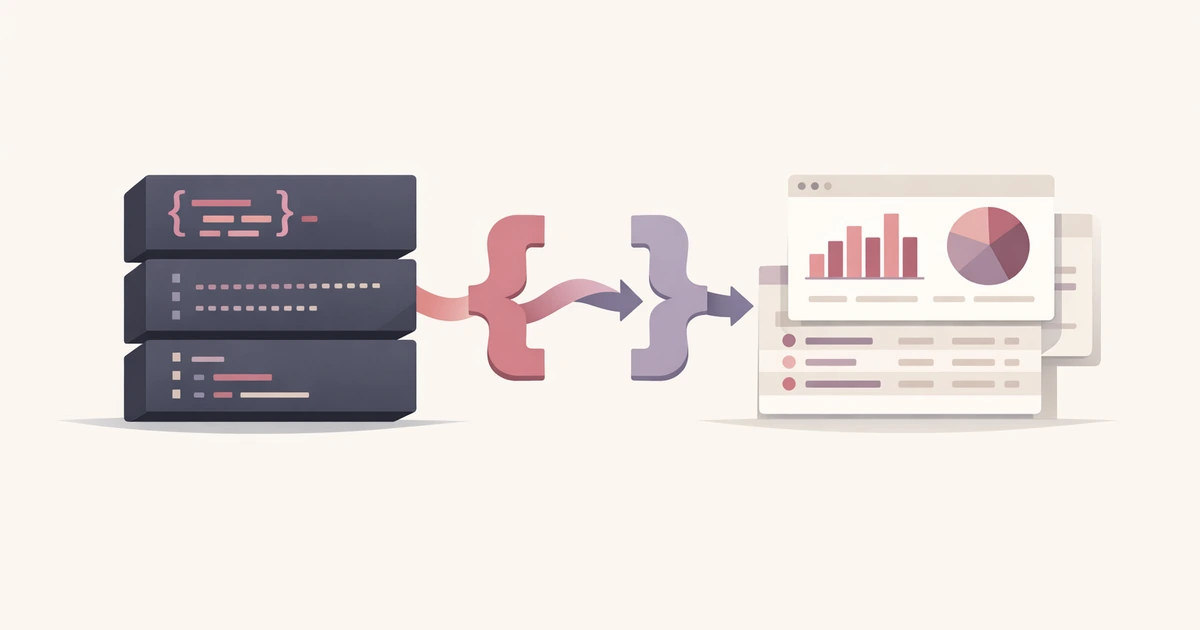
Converty and yq can both help when data needs to move between structured formats, but they sit at different layers of the workflow. If you use them for the same reason, one of them will feel wrong. If you use them for the job each one was built for, the difference becomes useful instead of confusing.
yq is a CLI-first tool for repeatable transforms, queries, edits, and automation around YAML and related structured documents. Converty's JSON / YAML / TOML Converter is a browser-based inspection and conversion layer for the quicker moment before the pipeline begins: paste the document, validate that it parses, compare compatible outputs, and copy the one you need.
That makes the comparison much simpler than it sounds. If the task belongs in automation, yq is usually the better fit. If the task is a one-off handoff, inspection pass, or debugging moment, Converty is often faster.
Choose yq when the structure needs to become a repeatable workflow
The strength of yq is not that it can transform text at all. Lots of tools can do that. The strength is that the transformation can become part of a script, a CI step, a repository-wide cleanup pass, or a repeatable command your team can run again next week.
That matters because structured-data work often starts as a one-off request and then turns into infrastructure. A developer converts one file manually, then needs to apply the same logic across ten files, then needs to enforce it in a pipeline. At that point the browser is no longer the right home for the task. The transformation needs to live where the rest of the automation already lives.
If you already know you need reproducibility, yq gives you the stronger foundation.
Choose Converty when the handoff is small, immediate, and easier to review visually
Converty is better at the moment before that automation exists or when automation would be overkill. You have a config snippet from docs, a JSON payload copied from an API response, or a YAML file that needs quick validation before someone pastes the result into another system. The job is to understand the structure, not to build a pipeline.
That is why the browser flow helps. You can validate the source, compare JSON pretty, JSON minified, YAML, and TOML outputs, and see compatibility notes without opening a terminal or shaping a command for a task that may never repeat. It is not a replacement for the CLI. It is a faster front-end to the decision.
This is especially useful when the work is collaborative in a loose way. Product, operations, and content people often need to inspect structured data without turning the task into a scripting problem. A browser utility lowers the friction for those moments.
The best dividing line is repeatability
If you are unsure which tool fits, ask whether the transformation should happen again in the same form. If the answer is yes, especially inside CI, scripts, or team-owned automation, yq is the better default. If the answer is no, or at least not yet, Converty is often the cleaner move.
That sounds obvious, but it is the most reliable test because it matches the actual cost of each tool. The command line pays off when the command has a future. The browser pays off when the task is real but too small to deserve a future.
A realistic example makes the tradeoff clearer
Imagine a developer needs to compare a JSON payload from an API with a YAML config block used elsewhere in the stack. They want to inspect the shape, confirm the output is valid, and copy a readable version into an issue or a deployment note. That is a Converty-shaped task. It is immediate, local, and review-oriented.
Now imagine the same team decides that a class of YAML files should always be normalized or checked in a pipeline before deployment. That is a yq-shaped task. The work has crossed from inspection into enforcement.
This is why the article Why TOML Output Is Unavailable for Some JSON or YAML Inputs pairs well with this comparison. The browser layer is good at revealing structural compatibility limits. The CLI layer is good at operationalizing repeatable transforms once the structure is already understood.
What each tool is worse at
Converty is worse when the task needs to be automated, repeated across many files, embedded in scripts, or enforced in CI. A browser utility can help you understand the transformation, but it should not pretend to be your automation substrate.
yq is worse when the task is a quick inspection or copy-ready conversion and the overhead of thinking in commands outweighs the value of repeatability. If you only need to validate a snippet, compare outputs, and move on, the terminal can introduce more setup than the task deserves.
That is not a criticism of the CLI. It is a reminder that not every structured-data question needs to become terminal work.
Use the browser to understand the structure and the CLI to operationalize it
This is the healthiest way to combine the two. Use Converty when you need to inspect a snippet, compare outputs, or clarify why a target format such as TOML is unavailable. Use yq when the transformation is stable enough to be scripted and shared.
That division mirrors the broader Converty workflow described in How to Convert JSON, YAML, and TOML Without Breaking Data. The product is best when it shortens the low-friction step around the main workflow. It is not trying to replace the deeper tooling once the job becomes operational infrastructure.
If your immediate issue is not structured config but line-based import cleanup, How to Fix CSV Delimiter Problems Before an Import covers the equivalent decision on the tabular side: inspect the structure early, before the downstream system becomes the debugger.
The better tool is the one that matches the life of the task
For JSON and YAML hand-offs, the real choice is not browser versus terminal in the abstract. It is whether the task is still a handoff or has already become a pipeline concern. Converty wins the first case. yq wins the second.
Open the JSON / YAML / TOML Converter when you need the direct browser workflow, use the FAQs for the site-wide handling model, revisit How to Convert JSON, YAML, and TOML Without Breaking Data for the broader conversion guide, and pair this comparison with Why TOML Output Is Unavailable for Some JSON or YAML Inputs when the immediate problem is not which tool to use forever, but why the data is not fitting the target format today.