Structured-data conversion usually breaks at handoff points: a config snippet copied from docs, an API payload that needs inspection, or a deployment setting that has to move from JSON into YAML or TOML. The real risk is not the copy-paste. It is moving the wrong structure into the next system.
The JSON / YAML / TOML Converter in Converty is built for that handoff. It validates the current source first, then shows every compatible output it can derive from the same parsed data so you can compare pretty JSON, minified JSON, YAML, and TOML side by side.
If you want the wider context on why Converty groups these small tasks together, read Introducing Converty. If you want the site-level rules around browser workflows and supported behavior, the FAQs fill in the rest.
Why structured-data conversion goes wrong so easily
Structured-data formats look interchangeable until they are not. The problems usually show up in three places:
- the source document never parsed correctly in the first place
- the target format has stricter rules than the source format
- the tool gives you output, but not enough explanation about compatibility limits
That is how small config changes turn into slow debugging sessions. A malformed input can survive long enough to waste time. A valid input can still fail when rendered as TOML. And a minified payload may be fine for transport while being terrible for inspection.
Converty solves the practical version of the problem. It treats parsing as the first gate, not an afterthought. If the input is invalid, the pipeline stops cleanly. If the input is valid, Converty renders the compatible outputs and makes the limitations clear, especially around TOML.
How to convert JSON, YAML, and TOML without breaking data
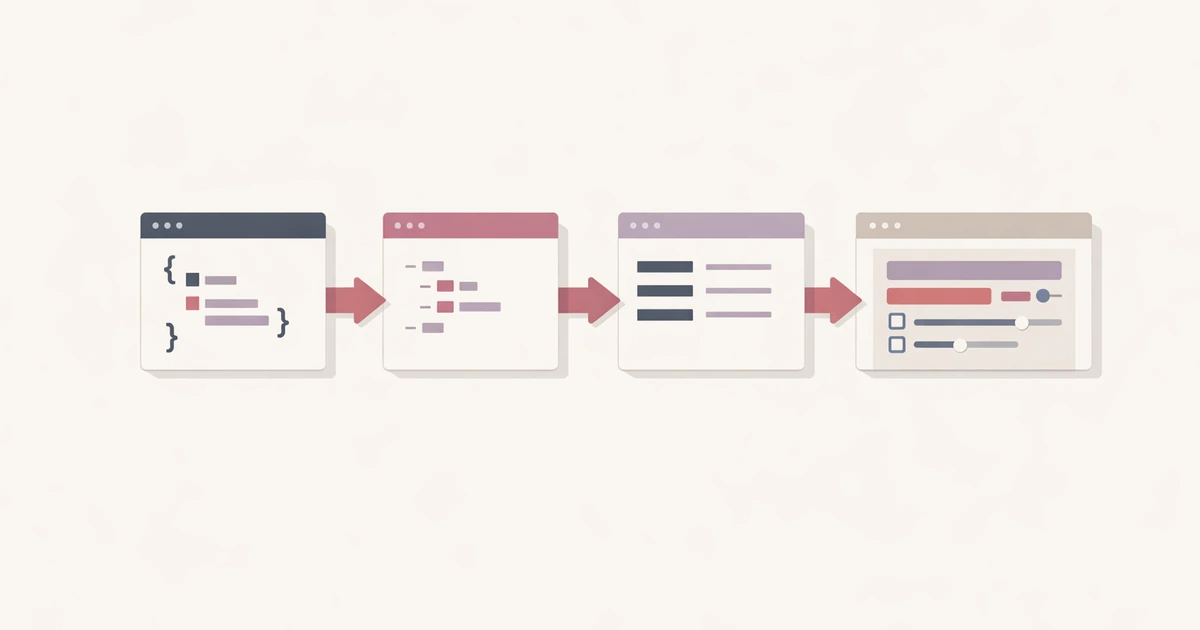
The safest way to convert JSON, YAML, and TOML without breaking data is to work from one parsed source of truth. In Converty, the workflow is simple:
- Open the JSON / YAML / TOML Converter.
- Choose the source format.
- Paste the input document.
- Let Converty validate the structure.
- Review each compatible output before copying the target format you need.
That order matters. You do not have to wonder whether the rendered result came from a half-valid input. The tool parses the current document first and only then produces derived outputs.
This is particularly useful when you need to move between app configuration, API payloads, documentation samples, or deployment settings. A quick conversion is helpful, but a trustworthy conversion is what saves time.
What each format is good at
Converty is most useful when you understand why the formats differ in the first place.
| Format | Best for | Main caveat |
|---|---|---|
| JSON | APIs, exports, integrations, strict machine parsing | Verbose and less pleasant to scan in larger config files |
| YAML | Human-readable configuration and long structured documents | Sensitive to indentation mistakes |
| TOML | Named settings and smaller project configuration files | More restrictive than JSON and YAML |
That table explains why a single converter is useful. You are not only translating syntax. You are often moving the same information into a different context:
JSONfor explicit machine-friendly structureYAMLfor easier reading in longer config filesTOMLfor tidy settings with predictable sections
The value of Converty is that you can compare these outputs side by side from the same source structure instead of rebuilding the document manually.
Pretty JSON, minified JSON, YAML, and TOML each solve a different job
One detail that matters in real work is that the tool gives you multiple outputs for the same parsed data, not just a single conversion target.
That helps in at least four common cases:
- you want pretty JSON because you are debugging and need readable indentation
- you want minified JSON because whitespace is unnecessary in the final payload
- you want YAML because the same structure is easier to scan in config form
- you want TOML only when the document can be represented safely in that format
This makes the tool more complete than a one-lane converter. It supports inspection and delivery in the same place. You can check the readable version, copy the compact version, and still compare the equivalent YAML or TOML output without reprocessing anything.
Why TOML is not always available
This is where many conversions get misleading. TOML is more restrictive than JSON and YAML, especially around top-level structure and compatible value types. That means a document can be valid and still not be representable as TOML.
Converty handles that honestly. If the parsed input cannot be rendered as a TOML-compatible top-level object, the tool leaves the TOML output unavailable and explains why. That is better than forcing a broken approximation.
In practical terms, this helps you avoid a common mistake: assuming that all structured-data formats are equally flexible. They are not. The tool saves time by making that limit visible early.
Common mistakes this tool helps you avoid
Converting invalid input and trusting the output anyway
If the source does not parse, everything after that is noise. Converty stops the process when the document is invalid instead of passing a broken structure into multiple target formats.
Forgetting that pretty and minified JSON are the same data
Pretty JSON and minified JSON are just different presentations of the same parsed structure. Converty renders both so you can choose the right one for the next step instead of reformatting by hand later.
Expecting TOML to support every valid JSON or YAML document
That assumption causes wasted time. The tool makes TOML compatibility explicit instead of leaving you to discover the limit after copy-paste.
Switching across too many utilities for the same document
If you are validating in one tool, pretty-printing in another, and converting in a third, the chance of confusion rises quickly. Converty keeps the full inspection-and-conversion loop in one place.
If your workflow includes CSV imports alongside structured config work, pair this article with the CSV validation guide. The two topics often show up in the same migration or operations workflow.
Short FAQ
What happens when the input format is invalid?
The tool parses the current source first. If the input is invalid, the conversion pipeline stops and the output is not treated as trustworthy.
Why does the tool show multiple outputs for one source document?
Because the same parsed data can be useful in more than one presentation. You may need readable JSON, compact JSON, YAML, or TOML from the same source structure.
Why is TOML output unavailable for some valid inputs?
Because TOML is more restrictive than JSON and YAML. Some parsed structures cannot be represented as a TOML-compatible top-level object.
When should I use pretty JSON versus minified JSON?
Use pretty JSON for reading and debugging. Use minified JSON when you want the same data in a compact form for payloads or embeds.
A safer way to move between configuration formats
If your goal is to convert JSON, YAML, and TOML without breaking data, the key is not just speed. It is clarity about what parsed, what rendered, and what could not be represented cleanly. Converty keeps that process simple while still being complete enough for real config and integration work.
Open the JSON / YAML / TOML Converter when you need the direct tool, review Introducing Converty for the overall utility workflow, and keep the CSV validator guide nearby when your next task moves from config documents to import files.